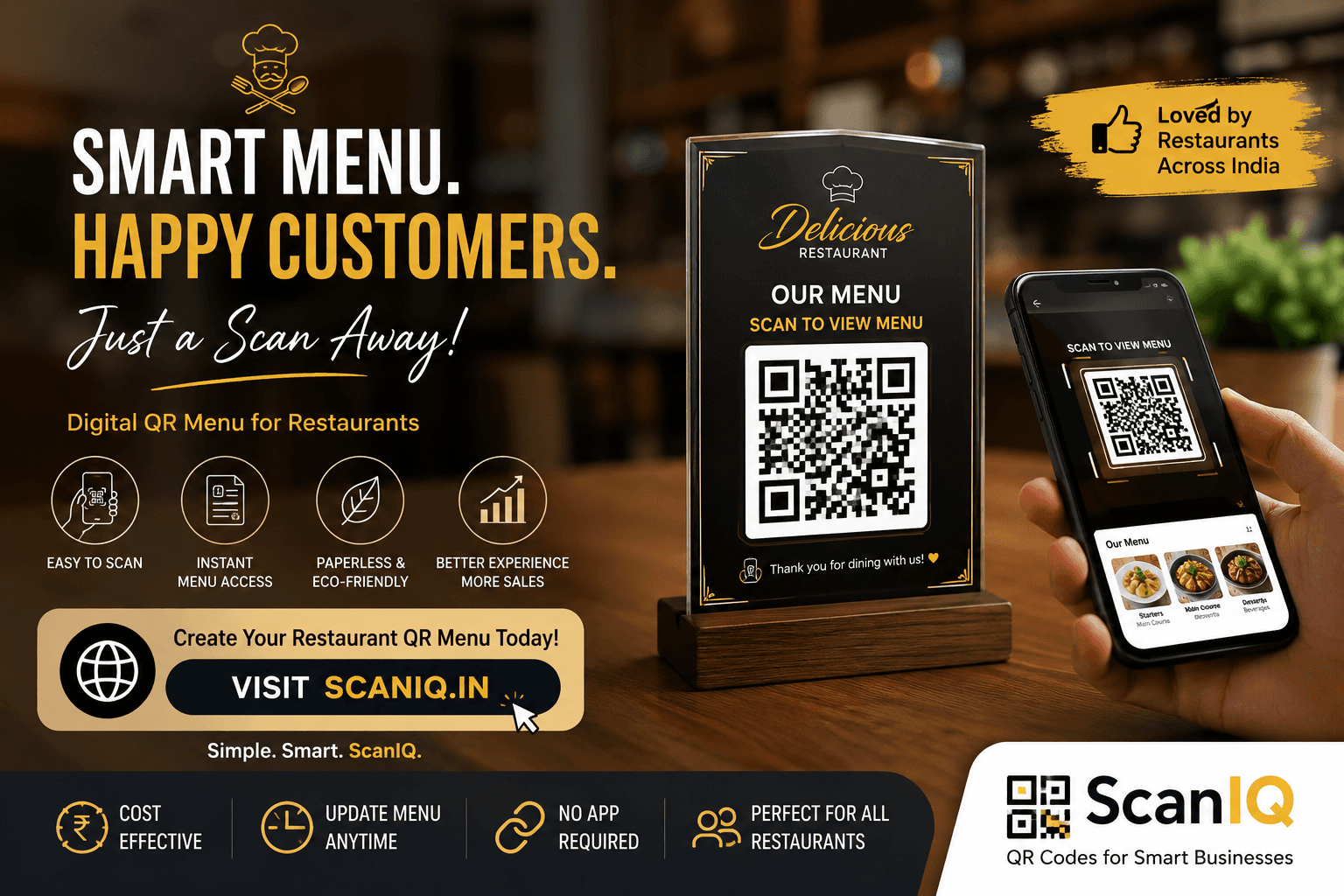
A restaurant menu is more than a list of dishes—it is an important part of the customer experience. Today, many restaurants are replacing traditional printed menus with QR menus that customers can access instantly from their smartphones.
A QR menu can make ordering more convenient, simplify menu management, and help restaurants keep their information accurate without constantly printing new menus.
In this guide, we’ll explain what a restaurant QR menu is, how to create one, how to use it effectively, and what to look for when choosing a QR menu solution.
What Is a Restaurant QR Menu?
A restaurant QR menu is a digital version of your restaurant’s menu that customers can open by scanning a QR code with their smartphone.
Instead of handing customers a printed menu, you can place a QR code on tables, counters, receipts, or other visible locations. Customers simply scan the code and view your menu on their phones.
A digital QR menu can include:
Food and drink categories Dish names and descriptions Prices Food images Special offers Vegetarian and non-vegetarian labels Allergen information Restaurant contact details Ordering or reservation options
The biggest advantage is that you can update the digital menu without replacing printed copies. Why Should Restaurants Use QR Menus?
QR menus can help restaurants improve both day-to-day operations and the customer experience.
- Update Your Menu Easily
Menu prices, dishes, and availability can change frequently. With a digital QR menu, you can make updates whenever needed.
If a dish is temporarily unavailable, you can remove or hide it. If you add a new item, you can publish it immediately.
This saves you from repeatedly printing updated menus.
- Reduce Printing Costs
Traditional menus need to be printed, replaced, and sometimes redesigned. QR menus reduce your dependence on printed materials.
You can maintain a digital menu while using a small number of printed QR displays throughout the restaurant.
- Give Customers Quick Access
Customers do not have to wait for a staff member to bring a menu. They can simply scan the QR code and start browsing.
This can be particularly useful during busy periods when restaurant staff are handling multiple tables.
- Make Your Menu More Engaging
A digital menu gives you more opportunities to present your food attractively.
You can add high-quality dish photos, detailed descriptions, recommendations, and special offers to help customers decide what to order.
- Keep Menu Information Consistent
With printed menus, different tables may have outdated prices or item information.
A QR menu provides a central digital menu that can be updated from one place, helping ensure customers see the latest information.
How to Create a QR Menu for Your Restaurant
Creating a QR menu does not have to be complicated. Follow these steps to get started.
Step 1: Prepare Your Menu
Start by gathering the information you want to display.
Organize your menu into clear categories such as:
Starters Main Courses Desserts Beverages Specials Combos
Make sure the item names, descriptions, and prices are accurate before publishing.
Step 2: Choose a QR Menu Platform
Choose a QR menu solution that allows you to create, manage, and update your digital menu easily.
Look for features such as:
Easy menu editing Custom QR codes Food images Category management Mobile-friendly design Multiple language support Menu analytics Online ordering integration
A good platform should make menu management simple, even if you do not have technical experience.
Step 3: Design Your Digital Menu
Your QR menu should be easy to navigate on a smartphone.
Keep the layout clean and organize dishes into logical categories. Use readable fonts, clear prices, and high-quality images.
Avoid adding too many design elements that make the menu difficult to browse.
Step 4: Generate Your Restaurant QR Code
Once your digital menu is ready, generate a QR code that links customers directly to it.
Test the QR code with different smartphones before printing it. Make sure it opens the correct menu quickly and works reliably.
Step 5: Place the QR Codes Around Your Restaurant
Place your QR codes where customers can easily see and scan them.
Common locations include:
Restaurant tables Table tents Countertops Entrance areas Receipts Takeaway packaging Waiting areas
Make sure the QR code is large enough to scan comfortably and has enough space around it.
Best Practices for Restaurant QR Menus
Simply creating a QR code is not enough. The menu should provide a smooth experience for your customers.
Keep the Menu Mobile-Friendly
Most customers will access your menu from a smartphone, so design it specifically for smaller screens.
Customers should be able to browse categories, read descriptions, and check prices without excessive zooming or scrolling.
Use High-Quality Food Photos
Food photography can influence purchasing decisions. Use clear, attractive images for your most popular or profitable dishes.
However, avoid using so many images that the menu becomes slow or difficult to navigate.
Make Prices Easy to Find
Customers should not have to search for the price of an item.
Use a consistent layout so that dish names, descriptions, and prices are easy to understand at a glance.
Highlight Popular Dishes
Use your digital menu to showcase dishes you want customers to notice.
You can highlight:
Best sellers Chef's specials New dishes Seasonal items Combo meals Special promotions Update Your Menu Regularly
One of the biggest advantages of a QR menu is that it can be updated quickly.
Review your menu regularly to remove unavailable items, update prices, add seasonal dishes, and refresh promotions.
Always Test the QR Code
Before opening the restaurant each day—or whenever you make a major menu change—make sure the QR code and digital menu are working correctly.
A QR code that does not work can quickly create frustration for customers.
Frequently Asked Questions
Put what you just read into action
Free to start — no credit card required.